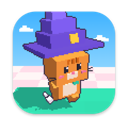
A little buddy
lives on your desktop
Type, and it runs along the bottom of your screen painting tiles. Pet it and it purrs; poke it and it hops. Paint enough ground and you earn paws for new friends and hats.
macOS 13 or later · $3.99, paid once · no ads, no subscription
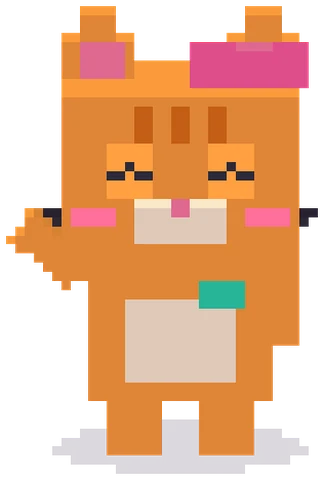
Typing
Every key press makes it run
The faster you type, the faster it runs. It leaves a trail across the strip of ground at the bottom of your screen, and when it closes the loop back on its own ground, every tile in the loop becomes yours at once.
- One key press is half a tile, two is a whole tile
- Every 50-hit combo doubles its speed for 2 seconds
- 1 🐾 for every 10 tiles painted; fill all three layers to finish a board
Play
It reacts when you touch it
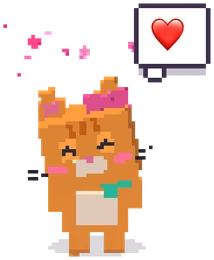
Pet it
Rub it gently with the cursor and it closes its eyes and purrs.
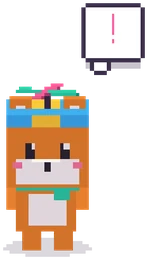
Poke it
Click and it hops. Poke it five times in a row and it sulks with its back to you.
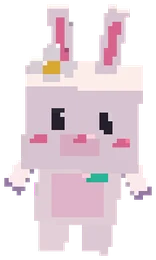
Pick it up and toss it
Drag it and it dangles; let go mid-throw and it flies. With more than one display, it crosses between them.
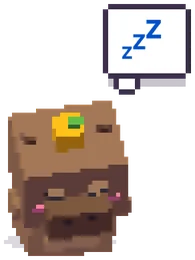
Sleepy at night
It sleeps at night. You can change its bedtime in Settings.
Collect
Collect and dress up
Spend paws on 16 friends, 21 hats, 12 step effects and 6 ground colors. Try anything on your desktop for 10 seconds before you buy it. As you grow closer, friends give you keepsakes and your collection book fills up.
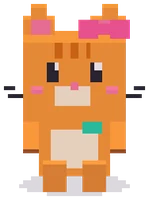 Cat
Cat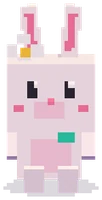 Bunny
Bunny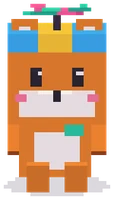 Shiba
Shiba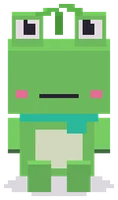 Frog
Frog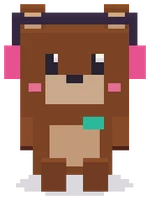 Bear
Bear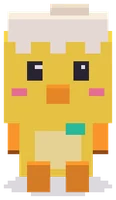 Chick
Chick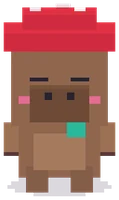 Capybara
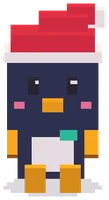 Penguin
 Panda
Panda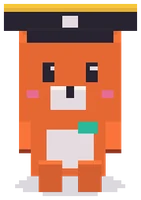 Fox
Fox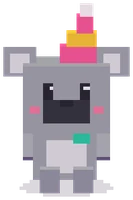 Koala
Koala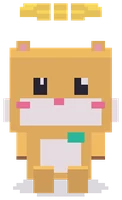 Hamster
3 special friends
The tiger, arctic fox and red panda, plus golden steps, come in the Special Friends pack ($2.99) in the app.
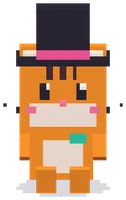 Tiger
Tiger Arctic Fox
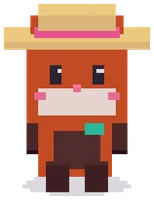 Red Panda
Lightweight
Light enough to leave on all day
Measured on October 1, 2026 with a release build on an Apple silicon MacBook Pro over 5 minutes (app and web view processes combined).
- It stops drawing when it's covered or the screen is locked.
- We checked that memory doesn't keep growing even after 600 outfit changes.
- Clicks on empty space go to the app underneath. Touching your buddy never takes keyboard focus from the app you're using.
- From the menu bar, keep it above other windows or only on the desktop. It hides over full-screen apps.
Privacy
Key presses are only counted
The Input Monitoring permission only tells the app when and how many times keys are pressed. It never reads which key or letter, and never saves or sends it anywhere. Without the permission, petting, tossing and dressing up all still work.
Price
$3.99, paid once
Web edition
$3.99
Pay with Dodo Payments and your license key arrives by email. One key works on up to 3 Macs. You can download it and try it free for 3 days before buying. The app tells you when a new version is out.
Buy on the web $3.99Download the web edition (DMG) ↓Both editions have the same features. Payments are separate, so purchases can't be moved from one edition to the other.
In-app products
- Special Friends Pack$2.99
- 2,000 Paws$0.99
- 8,000 Paws$2.99
Paws also pile up as you type. Prices are in US dollars; checkout shows your local currency.
Web edition
Download the web edition
- Buy on the web and your license key arrives by email. You can also send it straight to the app with the button on the page you see after paying.
- Open the DMG and drag the app into your Applications folder.
- Open the app and start using it right away. Enter your key to keep using it after the trial.
Download the web edition (DMG)
Anyone can download it and use it free for 3 days from the first launch. After that, the web edition needs a license key.
FAQ
Questions
Does it see which keys I press?
No. It only knows when and how many times keys are pressed, never which key or letter. It doesn't save or send that anywhere.
Can I use it without the permission?
Yes. Without Input Monitoring it just won't run when you type; petting, tossing and dressing up all still work.
Will it get in the way of my work?
Clicks on empty space around your buddy go to the app underneath, and touching it never takes keyboard focus from the app you're using. From the menu bar you can choose "Hide for 1 Hour" or keep it only on the desktop.
I have more than one display.
Your buddy walks across, or flies across when tossed, to the other display. Each display gets its own strip of ground at the bottom.
I lost my license key.
It's in the email you got after paying. You can also look up the payment on the Dodo Payments customer portal (customer.dodopayments.com).
How do I get a refund?
Ask Apple for the Mac App Store edition and Dodo Payments for the web edition. Periods by country are in the refund policy.
Which Macs does it run on?
It needs macOS 13 or later.